AI tool
Season Change AI for Real Estate Photos
Selling in February with photos full of snow, or listing in July with last winter's shoot? Season Change swaps the season around the property: green lawn or autumn light, natural planting for the time of year you're selling in. The house itself never changes. Your listing always looks current.
5 free credits. No card required.
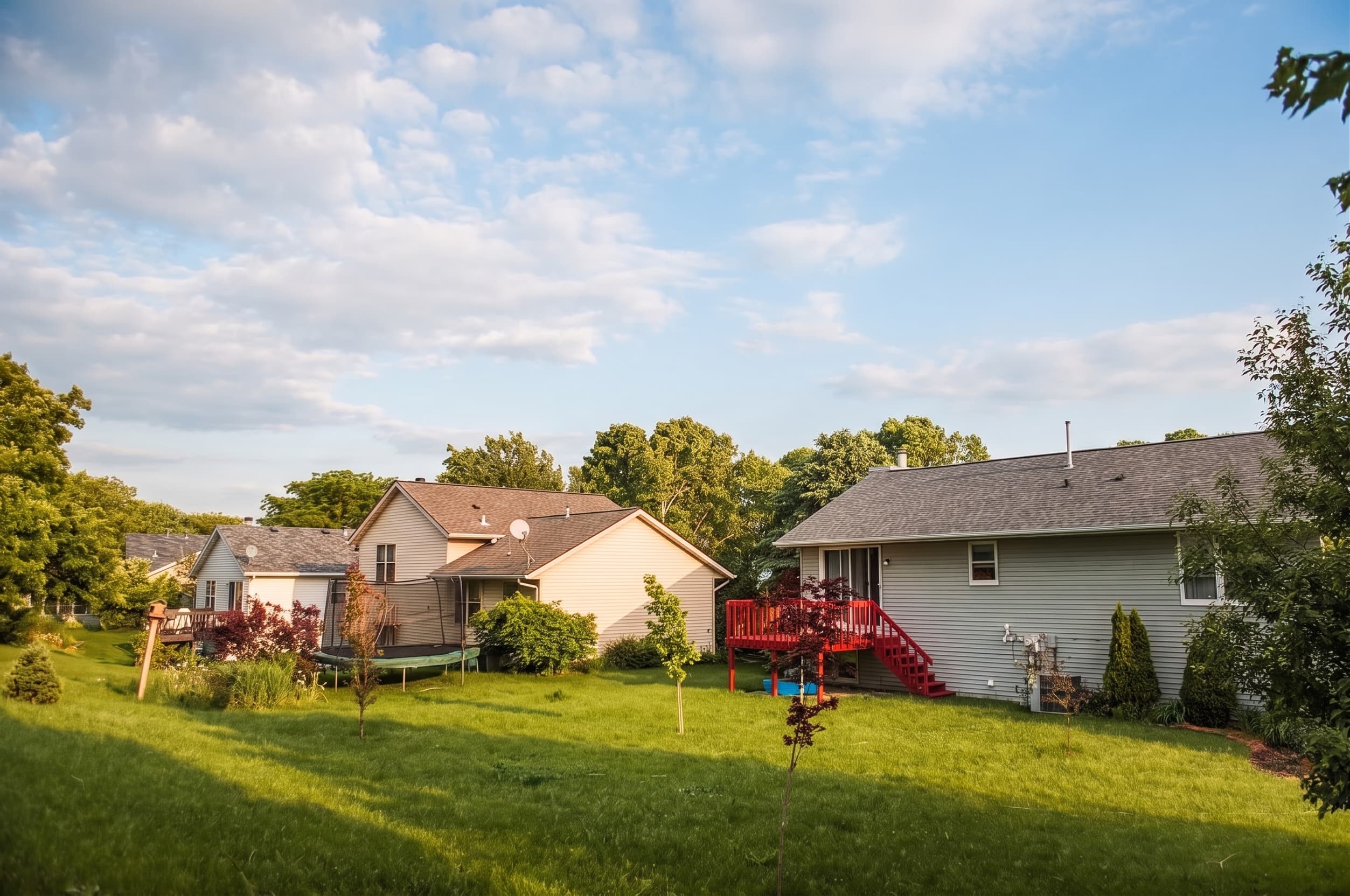
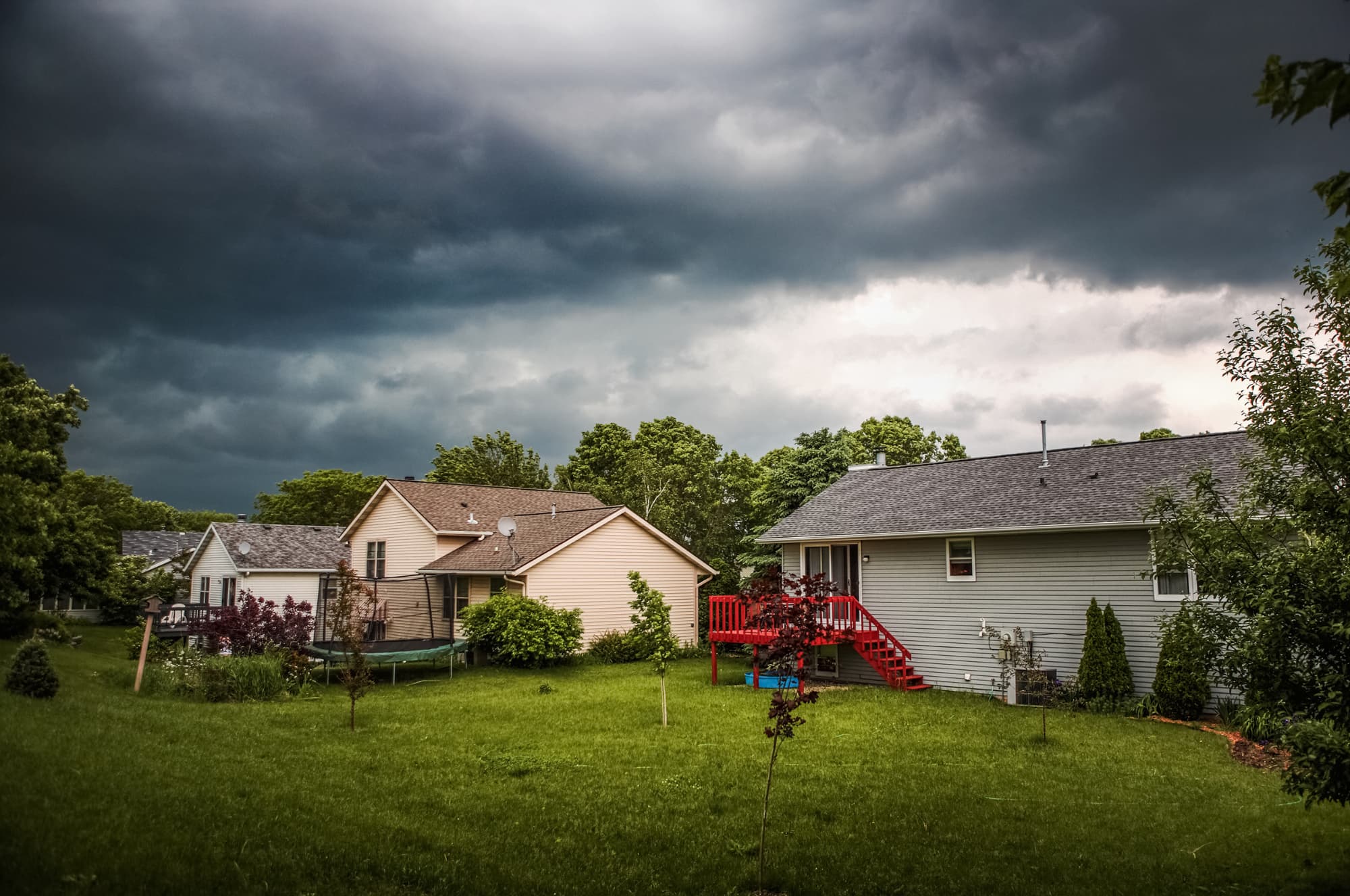
The Roomova difference
Architecture untouched. That's the whole point.
Season Change redresses the landscape; the house itself never changes. No warped lines, no invented walls. Regenerate free until it's listing-ready.
Three steps
How it works
- 1
Upload the exterior photo from whatever season it was shot in.
- 2
Pick the season that matches when you're actually listing.
- 3
Download the property in season, house untouched.
Use cases
Where it earns its credit
Listing in summer with last winter's photos
The only exterior shots on file are from a snowy showing months ago. Season Change gives the listing a summer look that matches when buyers are actually touring.
Selling in winter with a snow-covered yard
A snowbound front yard hides the landscaping a warm-weather buyer would want to see. Season Change shows the lawn and planting the way they look in season.
FAQ
Good to know
Does it change anything about the house itself?
No. Only the season around the property changes: lawn, foliage, natural light. The house stays exactly as shot.
Can I go from summer to snow, not just snow to summer?
Yes. Season Change works in either direction, matching the property to the season you're selling in.
Which seasons can I switch between?
Any direction: winter to summer green, autumn to spring. The landscaping redresses; the house itself never changes.
More AI Editing Tools
- Enhance Photo
- Add Furniture
- Furniture Eraser
- Room Declutter
- Day to Dusk
- Sky Replacement
- Lawn Greening
- Pool Water
- Flooring
- Wall Paint
- Night to Day