AI tool
Virtual Flooring Replacement AI
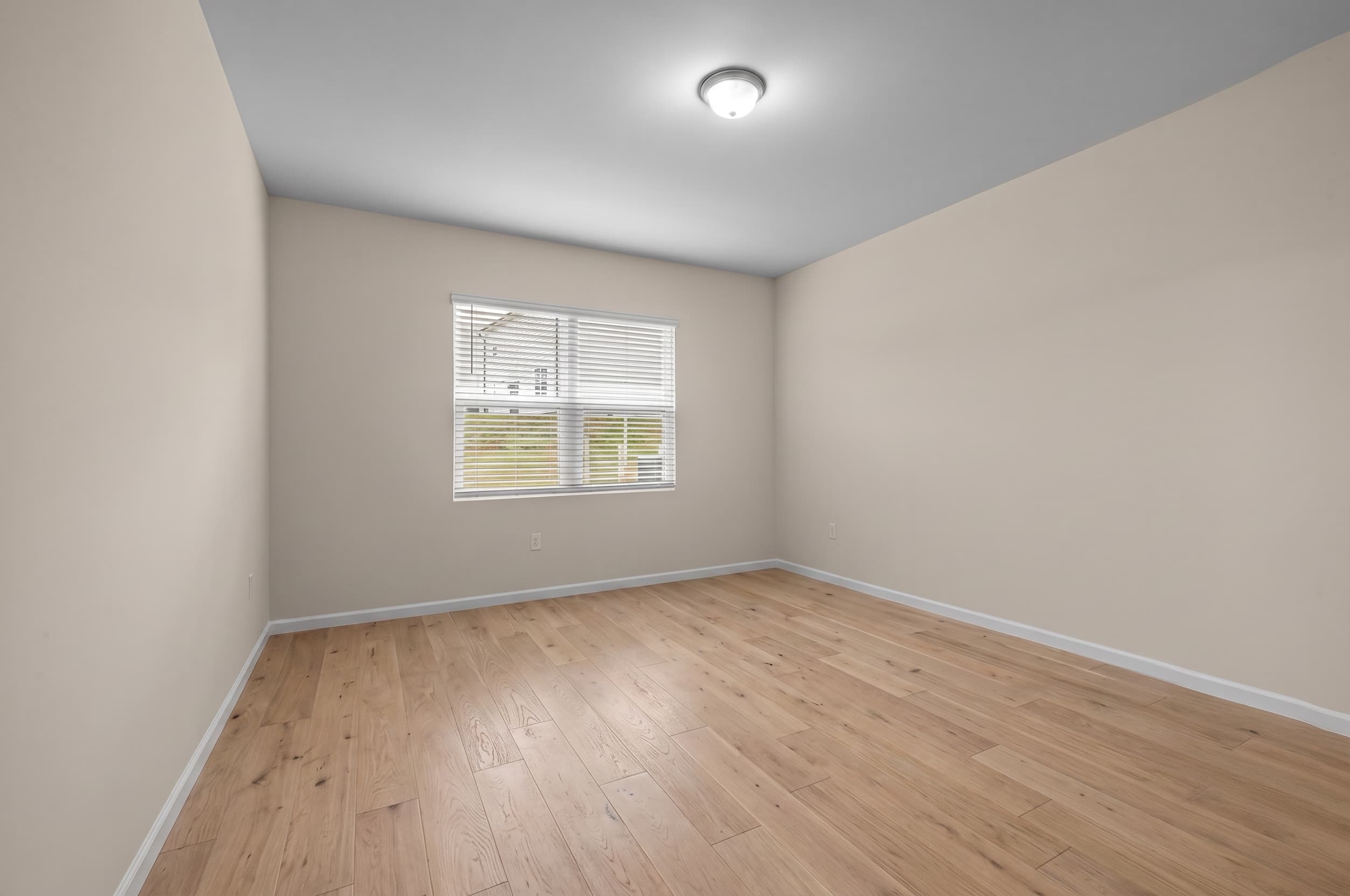
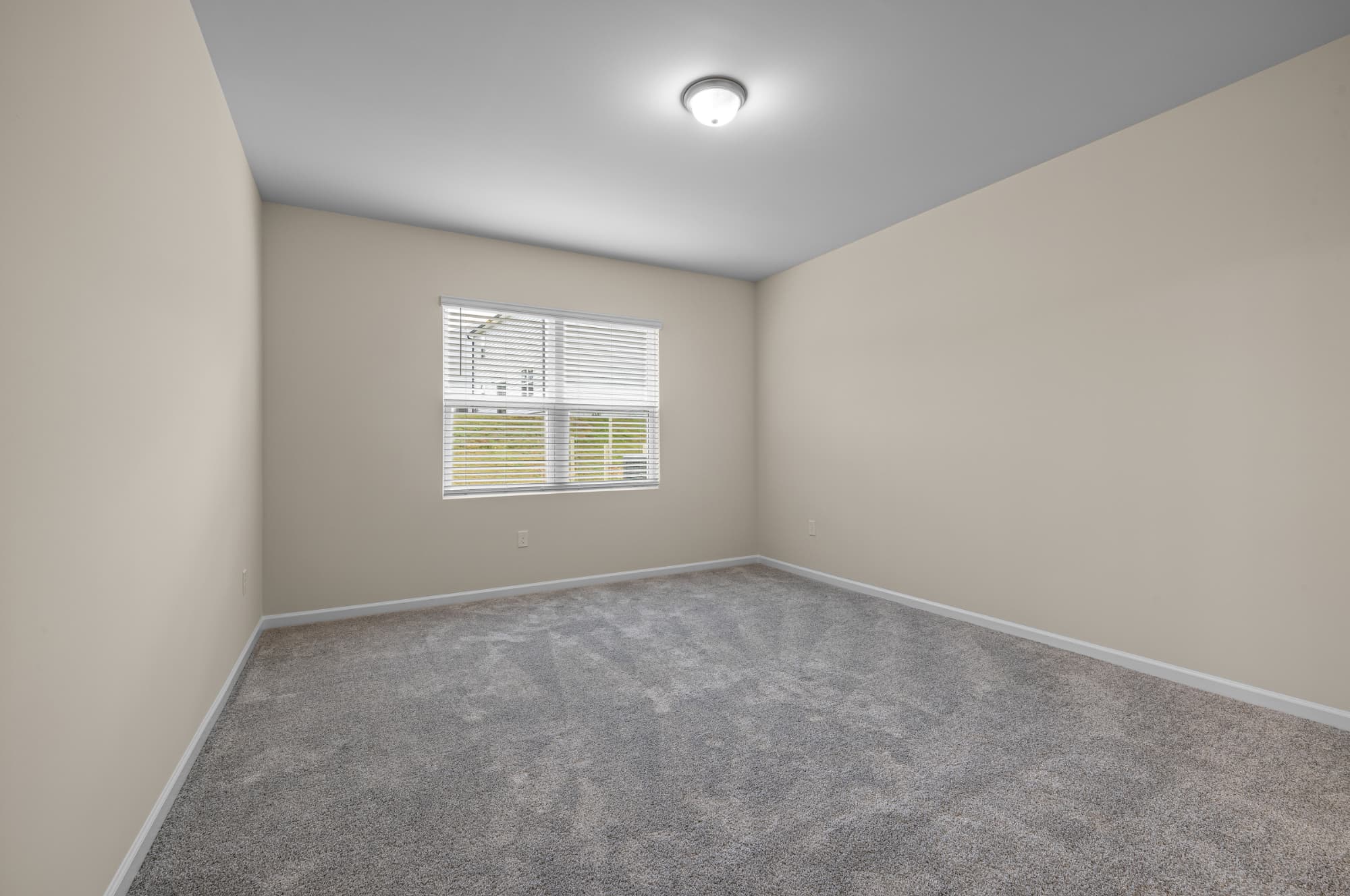
Dated carpet makes buyers price in a renovation. Flooring shows the same room with new floors (wood, tile, or fresh carpet) at true scale and perspective, walls and layout untouched. See the renovation before anyone commits to it. One note: many MLS boards don't allow changing floors in listing photos, so keep these renders for planning, seller conversations and marketing beyond the MLS, and always disclose edited photos.
5 free credits. No card required.
The Roomova difference
Architecture untouched. That's the whole point.
Flooring changes the floor plane alone, at the room's true scale and perspective. No warped lines, no invented walls. Regenerate free until it's listing-ready.
Three steps
How it works
- 1
Upload the room with its current flooring: dated carpet, worn tile, whatever's there.
- 2
Choose the new floor: wood, tile or carpet.
- 3
Download the same room with new floors, walls and layout untouched.
Use cases
Where it earns its credit
The renovation decision, made visible
Refinish the hardwood or re-carpet? Show the seller both options on their actual room before a dollar is spent: the render settles the debate faster than any swatch.
The flip marketed on its potential
A renovation-pending flip needs visuals before the work is done. Flooring shows the post-reno floors for brochures and socials, clearly disclosed, while the MLS photos stay as shot.
FAQ
Good to know
Does the new floor look correctly scaled and angled to the room?
Yes. It's rendered at the room's true scale and perspective, following the actual floor plane in the photo.
Can I use a flooring render on the MLS?
Check your board first: many MLS rules don't allow changing floors or other materials in listing photos. Flooring shines for renovation decisions, seller conversations and marketing beyond the MLS, and edited photos should always be disclosed.
Which floor types can it render?
Wood, tile and carpet, in common finishes. The new floor follows the room's true plane, so scale and perspective stay right.
More AI Editing Tools
- Enhance Photo
- Add Furniture
- Furniture Eraser
- Room Declutter
- Day to Dusk
- Sky Replacement
- Lawn Greening
- Pool Water
- Wall Paint
- Night to Day
- Season Change