AI tool
Remove Furniture from Photos
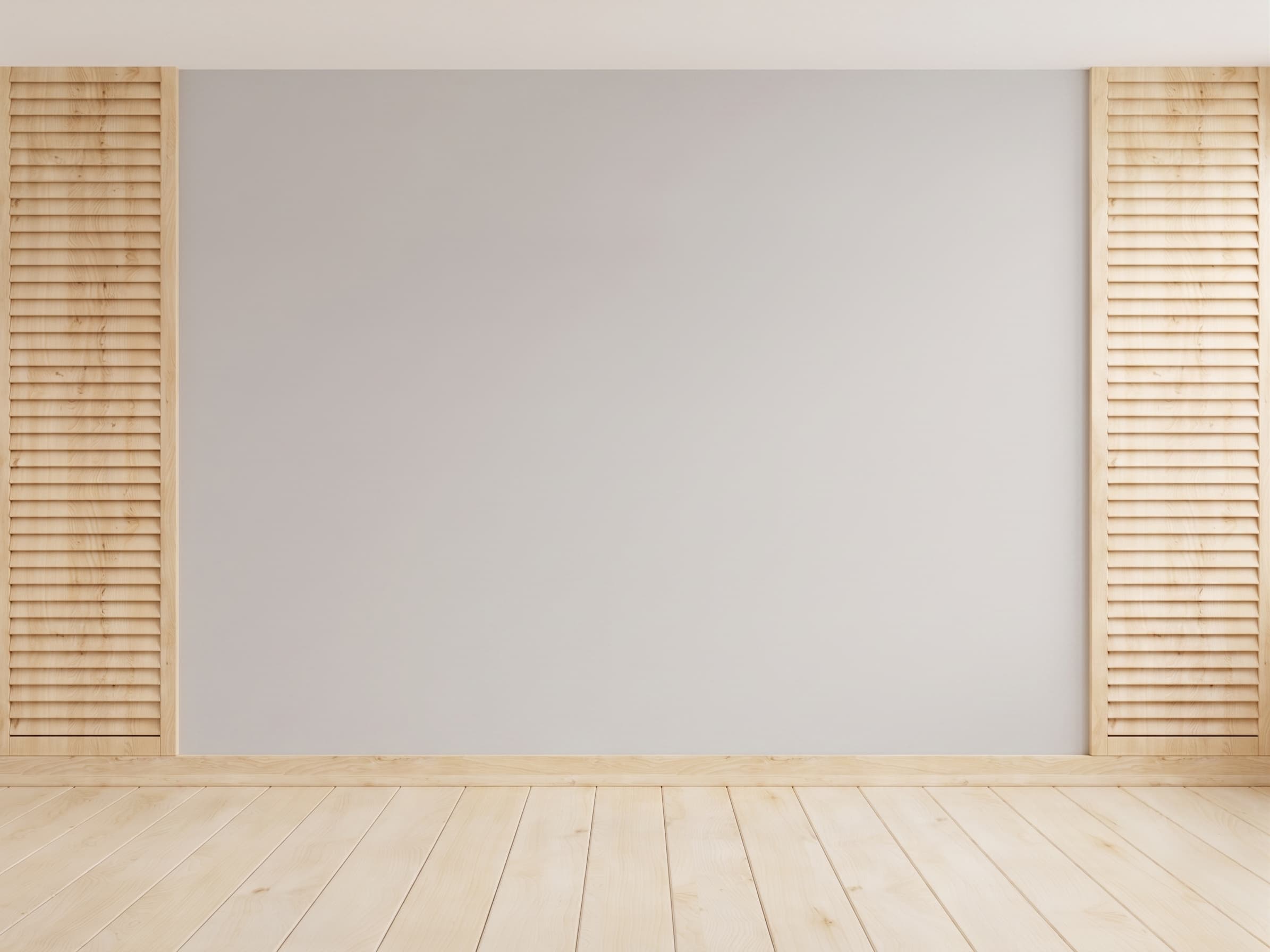
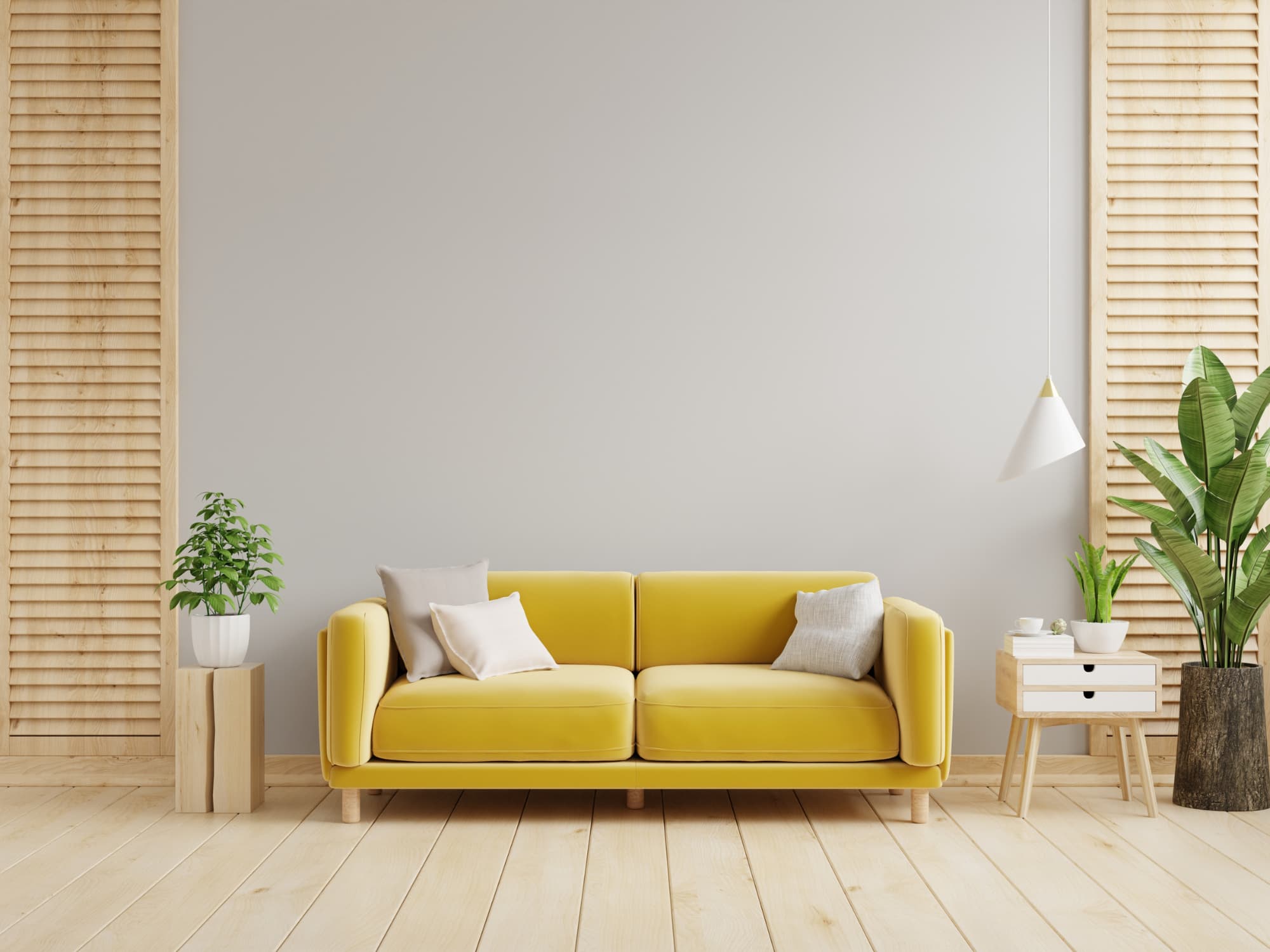
The seller's furniture rarely helps the sale. Furniture Eraser removes what shouldn't be in the shot and rebuilds the floor and walls behind it, cleanly. No smudges, no AI artifacts: the empty room looks like it was photographed empty. Pair it with virtual staging for a full transformation.
5 free credits. No card required.
The Roomova difference
Architecture untouched. That's the whole point.
Furniture Eraser removes the object and rebuilds the floor behind it, never the walls around it. No warped lines, no invented walls. Regenerate free until it's listing-ready.
Three steps
How it works
- 1
Upload a photo of the room with furniture or objects still in it.
- 2
Mark or describe what to remove: a couch, boxes, a wall unit.
- 3
Get back the same room, empty, with floor and wall rebuilt cleanly.
Use cases
Where it earns its credit
The occupied listing that needs to show empty potential
A seller is still living in the home and the agent wants an empty-room shot for buyers who prefer to picture their own furniture. Furniture Eraser clears the room without a moving truck.
Prepping for a different staging style
A cluttered, furnished room needs restaging in a style that doesn't match what's there. Erase first, then stage clean: the same idea as restyle-occupied, run as two manual steps.
FAQ
Good to know
Does it leave smudges or warped areas where furniture was?
No. The floor and wall behind the removed object are rebuilt cleanly, matching the surrounding material and light.
Can I erase just one item and keep the rest of the room?
Yes. Specify what to remove; everything else in the room stays exactly as shot.
Can it clear a whole room in one pass?
For a full clear-out, the Empty Room operation does it in one intent; Furniture Eraser shines for targeted removals: the one couch, the boxes, the wall unit.
More AI Editing Tools
- Enhance Photo
- Add Furniture
- Room Declutter
- Day to Dusk
- Sky Replacement
- Lawn Greening
- Pool Water
- Flooring
- Wall Paint
- Night to Day
- Season Change