AI tool
Real Estate Photo Enhancer AI
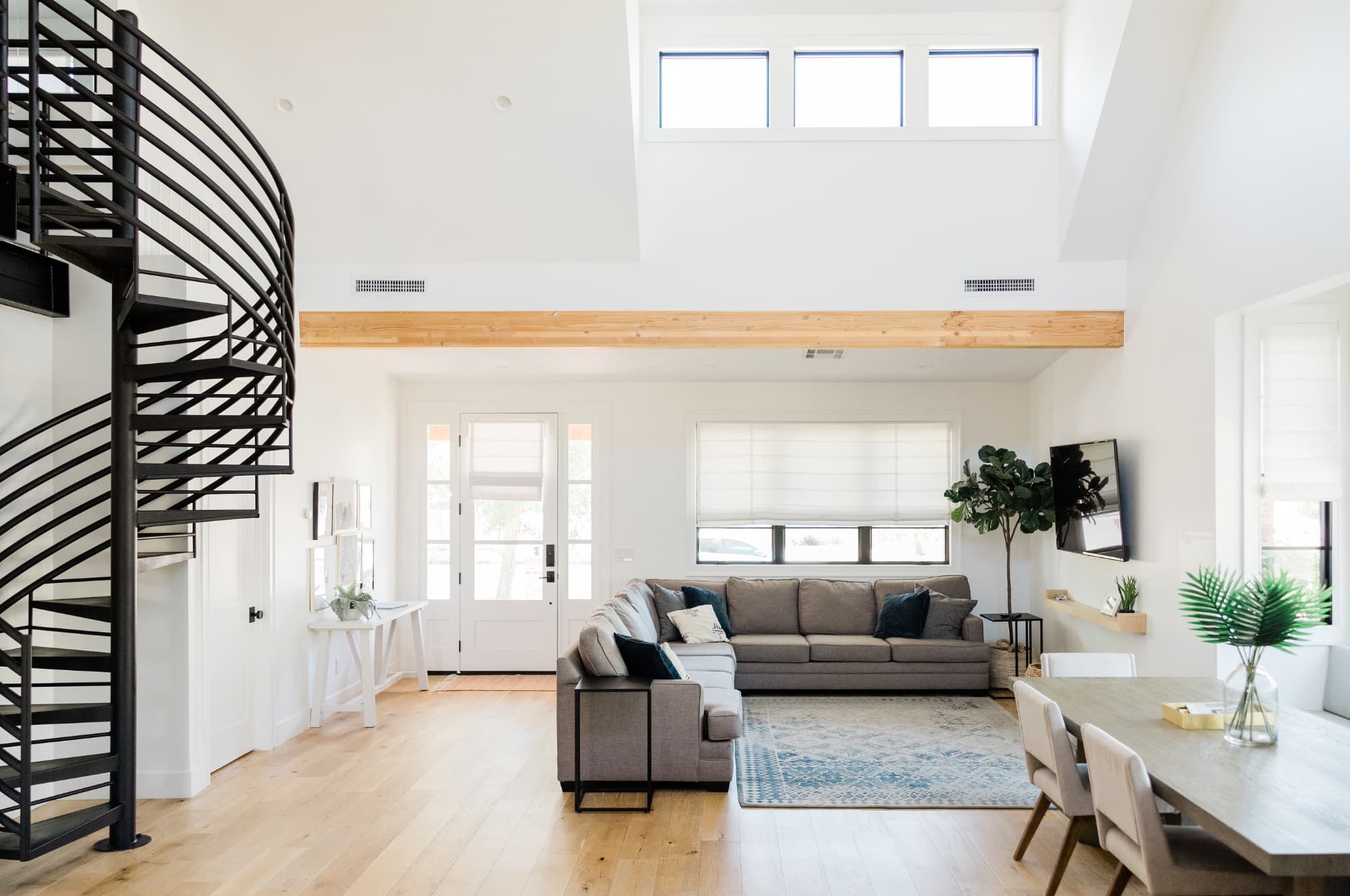
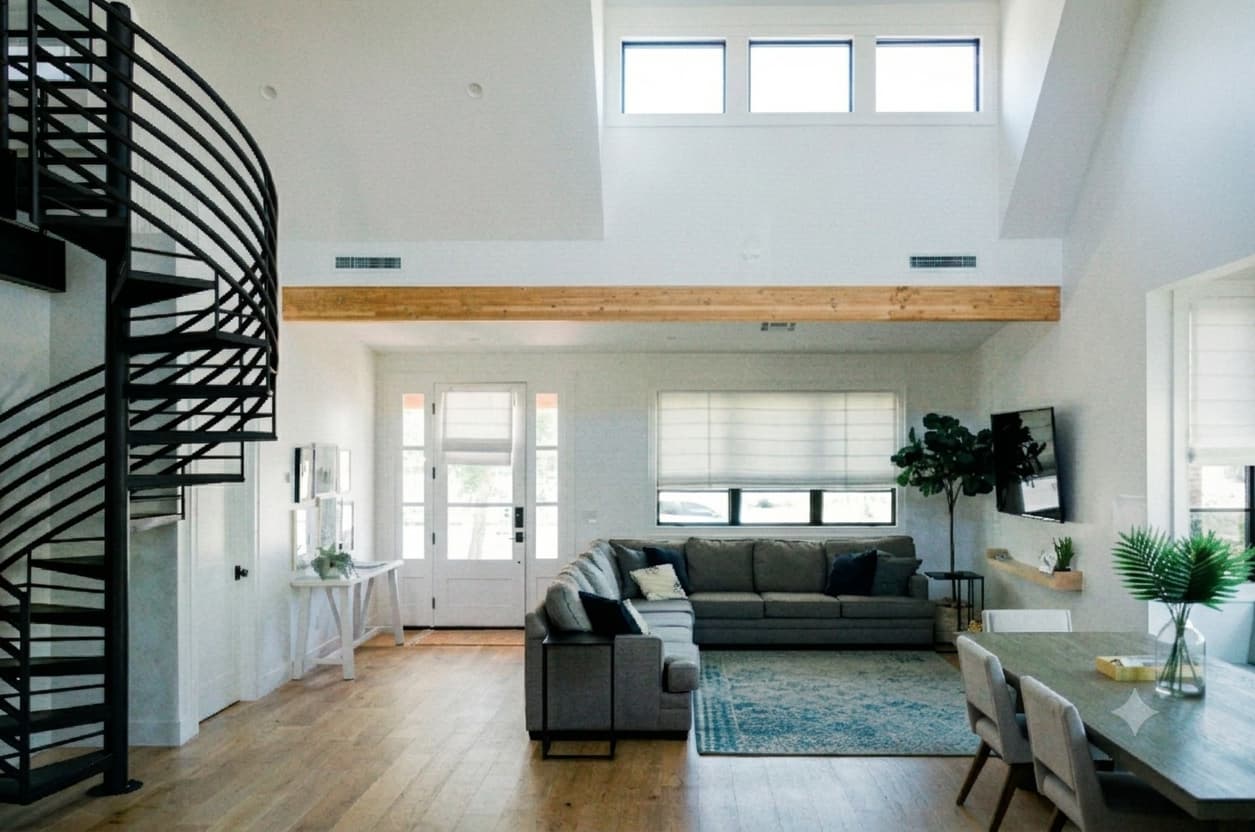
A dark, flat photo undersells a bright room. Enhance lifts light, color and clarity to listing grade in one pass, with no manual editing and no preset look. The room stays exactly as shot: same geometry, same materials, just seen at its best. Listing-ready in about 30 seconds.
5 free credits. No card required.
The Roomova difference
Architecture untouched. That's the whole point.
Enhance lifts light and color without touching a single line of the room. No warped lines, no invented walls. Regenerate free until it's listing-ready.
Three steps
How it works
- 1
Upload the listing photo as shot. No pre-editing needed.
- 2
Enhance lifts light, color and clarity in one pass.
- 3
Download full resolution, listing-ready in about 30 seconds.
Use cases
Where it earns its credit
The photo shot at the wrong hour
Showings don't wait for good light. A listing shot at midday under mixed bulbs comes back flat and yellow. Enhance brings it to listing grade without a reshoot.
The whole gallery needs one fix
Twenty photos from the same walkthrough, same dull cast throughout. Run each through Enhance and the gallery reads consistent and bright, room to room.
FAQ
Good to know
Does Enhance change the room in any way?
No. It adjusts light, color and clarity only: same walls, same furniture, same layout, exactly as photographed.
Can I use Enhance on an already-staged photo?
Yes. Run it on a Roomova staging output or any listing photo. It works on the finished image, not just raw shots.
Does it work on exterior shots?
Yes. Light, color and clarity lift the same way on exteriors: curb shots, backyards, patios.
Will it look over-processed?
No. Enhance targets listing grade, not an HDR effect: no halos, no oversaturation. The room reads as photographed on a better day.
More AI Editing Tools
- Add Furniture
- Furniture Eraser
- Room Declutter
- Day to Dusk
- Sky Replacement
- Lawn Greening
- Pool Water
- Flooring
- Wall Paint
- Night to Day
- Season Change