AI tool
Add Furniture to a Photo
Sometimes a room is one piece short: a reading chair, a rug, art on a bare wall. Add Furniture drops it in, matched to the room's style, scale and light. Nothing else moves: walls, windows and floors stay exactly as shot. Regenerate free until it's right.
5 free credits. No card required.
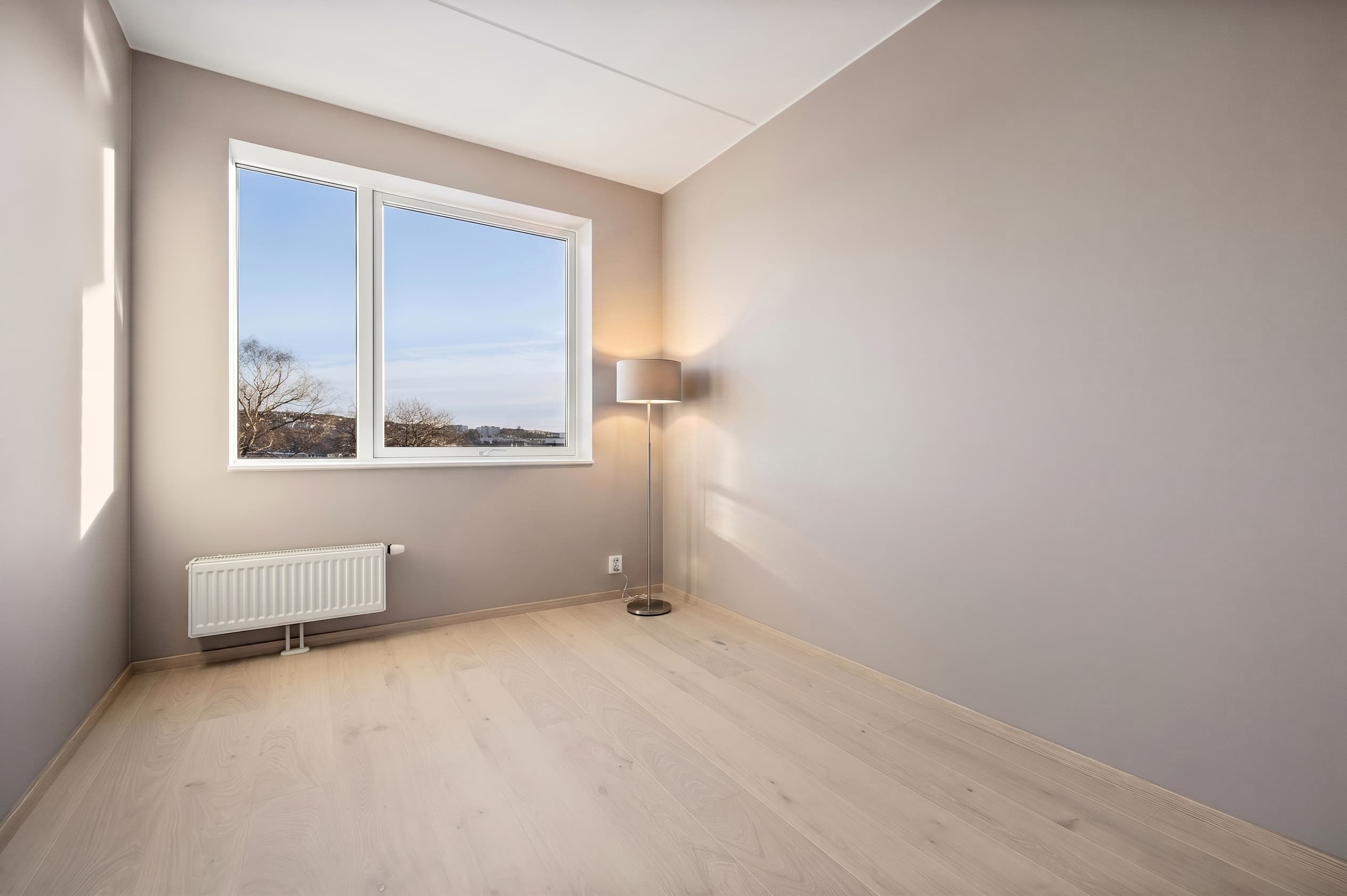
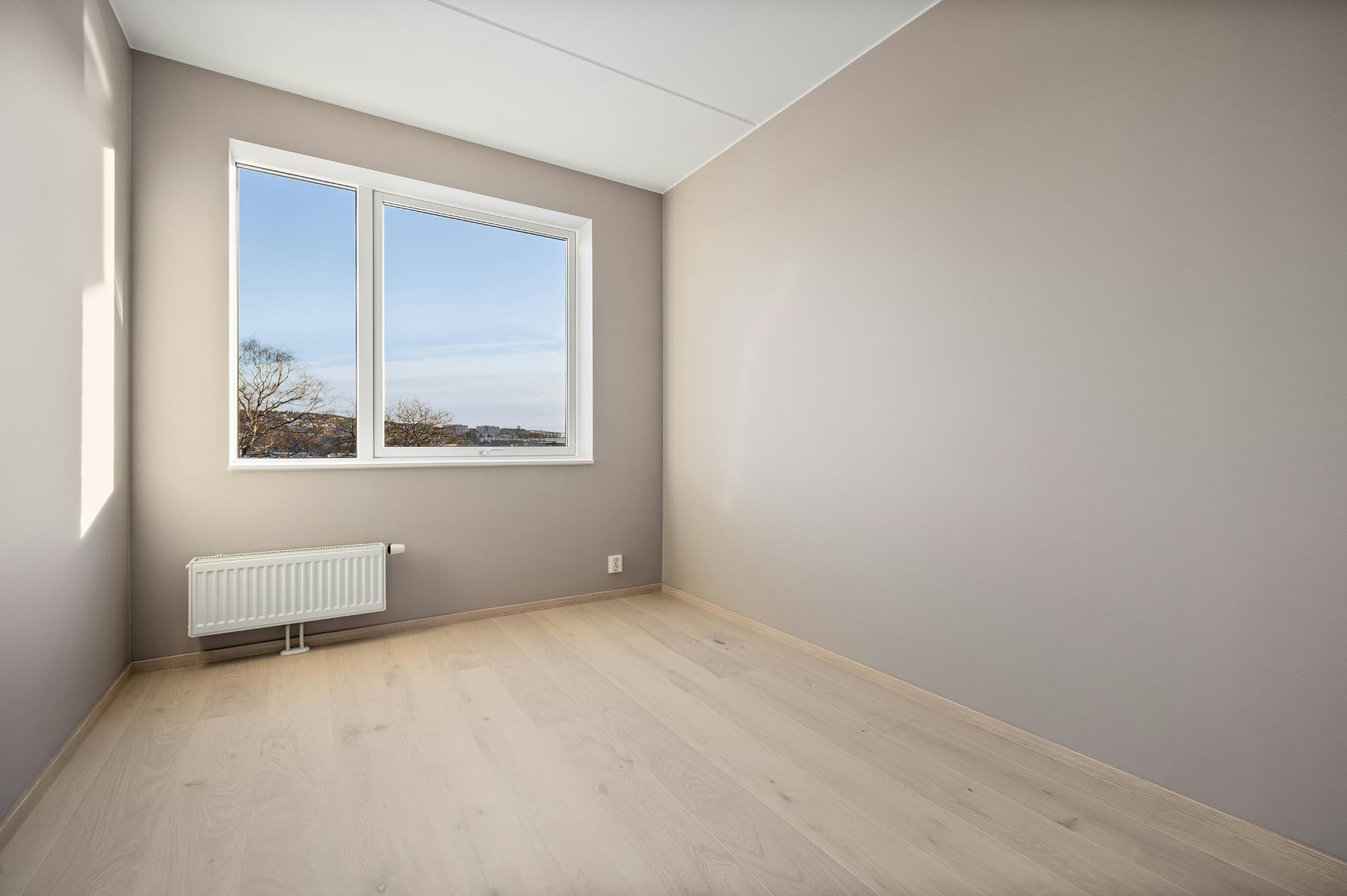
The Roomova difference
Architecture untouched. That's the whole point.
Add Furniture drops one piece into the scene; the room around it never moves. No warped lines, no invented walls. Regenerate free until it's listing-ready.
Three steps
How it works
- 1
Upload a photo of a room that already has some furniture.
- 2
Tell Roomova what's missing: a chair, a rug, art for that bare wall.
- 3
Get back the same room with the piece added, matched to style and light.
Use cases
Where it earns its credit
The awkward empty corner
A living room is staged and photographed, but one corner still reads bare next to the fireplace. Add Furniture drops in a matching accent chair so the shot feels finished, not incomplete.
The rental that's mostly furnished
A tenant-occupied listing has real furniture in every room except one missing nightstand or a bare dining wall. Rather than re-staging the whole room, Add Furniture fills just the gap.
FAQ
Good to know
How is this different from full virtual staging?
Virtual staging furnishes an empty room from scratch. Add Furniture keeps everything that's already there and adds only the piece you specify.
Will the new piece match what's already in the photo?
Yes. It's matched to the room's existing style, scale and light so it reads as part of the original shot.
Can it add several pieces at once?
Yes: describe what the room is missing and the pieces arrive matched to each other as well as to the room. For furnishing a fully empty room, virtual staging is the better tool.
More AI Editing Tools
- Enhance Photo
- Furniture Eraser
- Room Declutter
- Day to Dusk
- Sky Replacement
- Lawn Greening
- Pool Water
- Flooring
- Wall Paint
- Night to Day
- Season Change